
Your price list
Products and services with categories, VAT and discounts. The washes are already there, with their price.
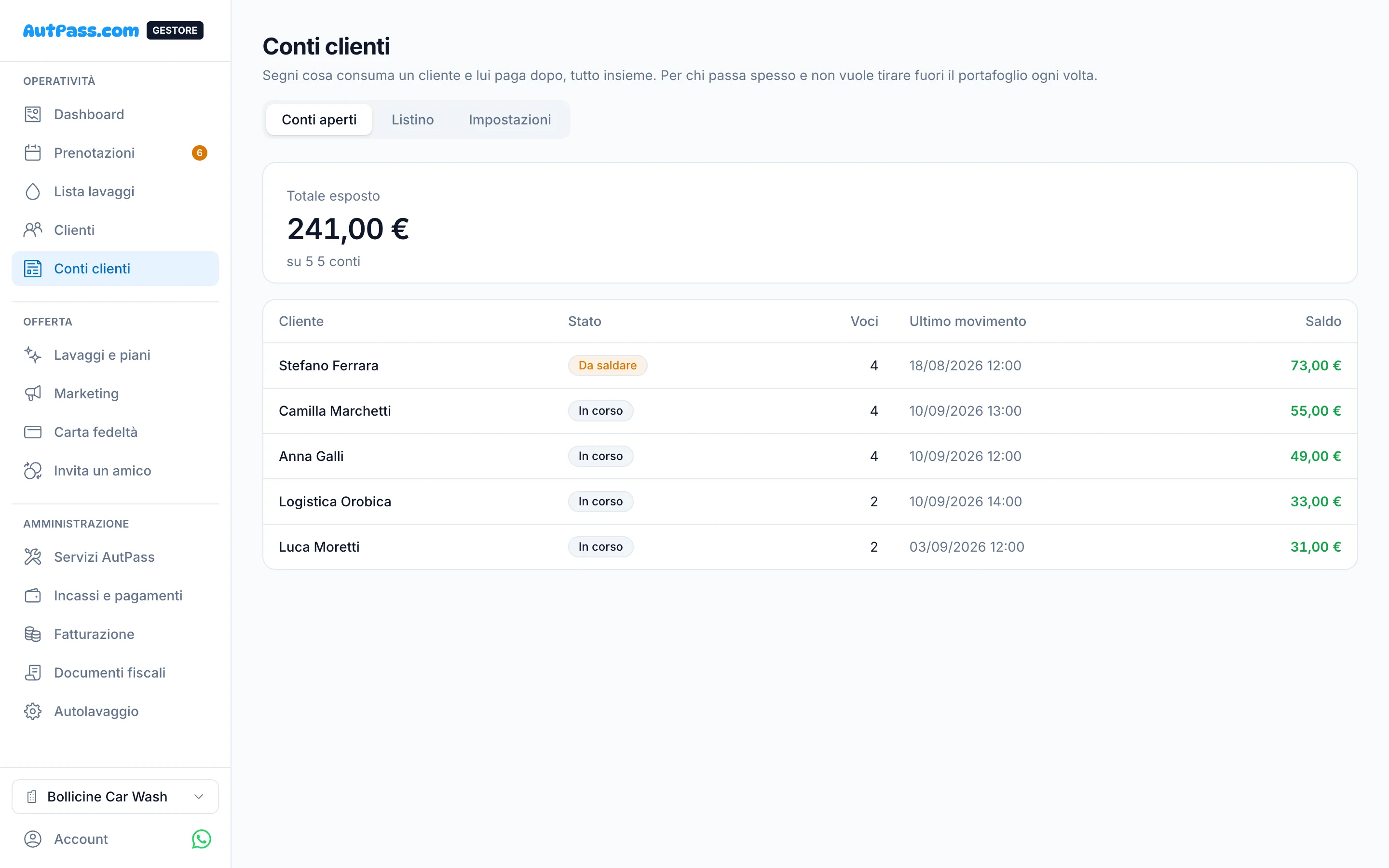
Items logged in a moment
At the till you add the lines to the customer's tab. The price stays the one from that day, even if you change the price list later.
- Deposits and part payments
- A per-customer limit that warns, without blocking
- Wrong lines reversed with a reason
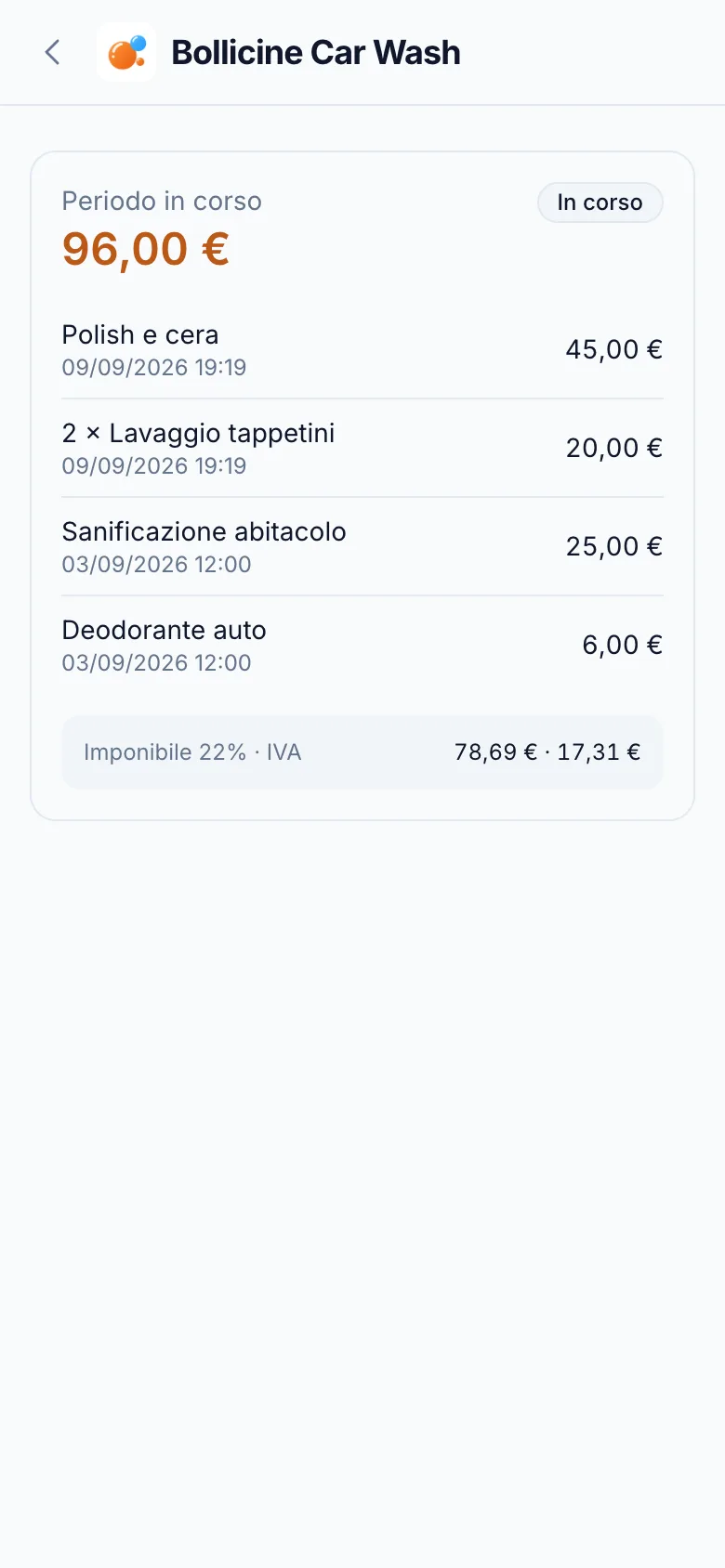
The bill reaches the customer
You close the period and the customer gets the statement by email, with a link to pay online by card, SEPA, Satispay or Revolut Pay. If they do not pay, a reminder goes out.
Ready in three steps
- 1
Build the price list
Categories, prices with VAT included or excluded, discounts.
- 2
Open the tab
You grant it customer by customer, with a limit if you want one.
- 3
Close and collect
At the end of the period you send the statement: they pay online or at the till.
Frequently asked questions
How do I handle VAT?
For each product you choose the rate and whether the price includes or excludes VAT: the maths is exact to the cent.
What about the tax document?
It is created when the tab is paid, not when you close it: you only issue for money you have seen.
Does the customer have to sign up to pay?
No, the payment link works without the app too.