
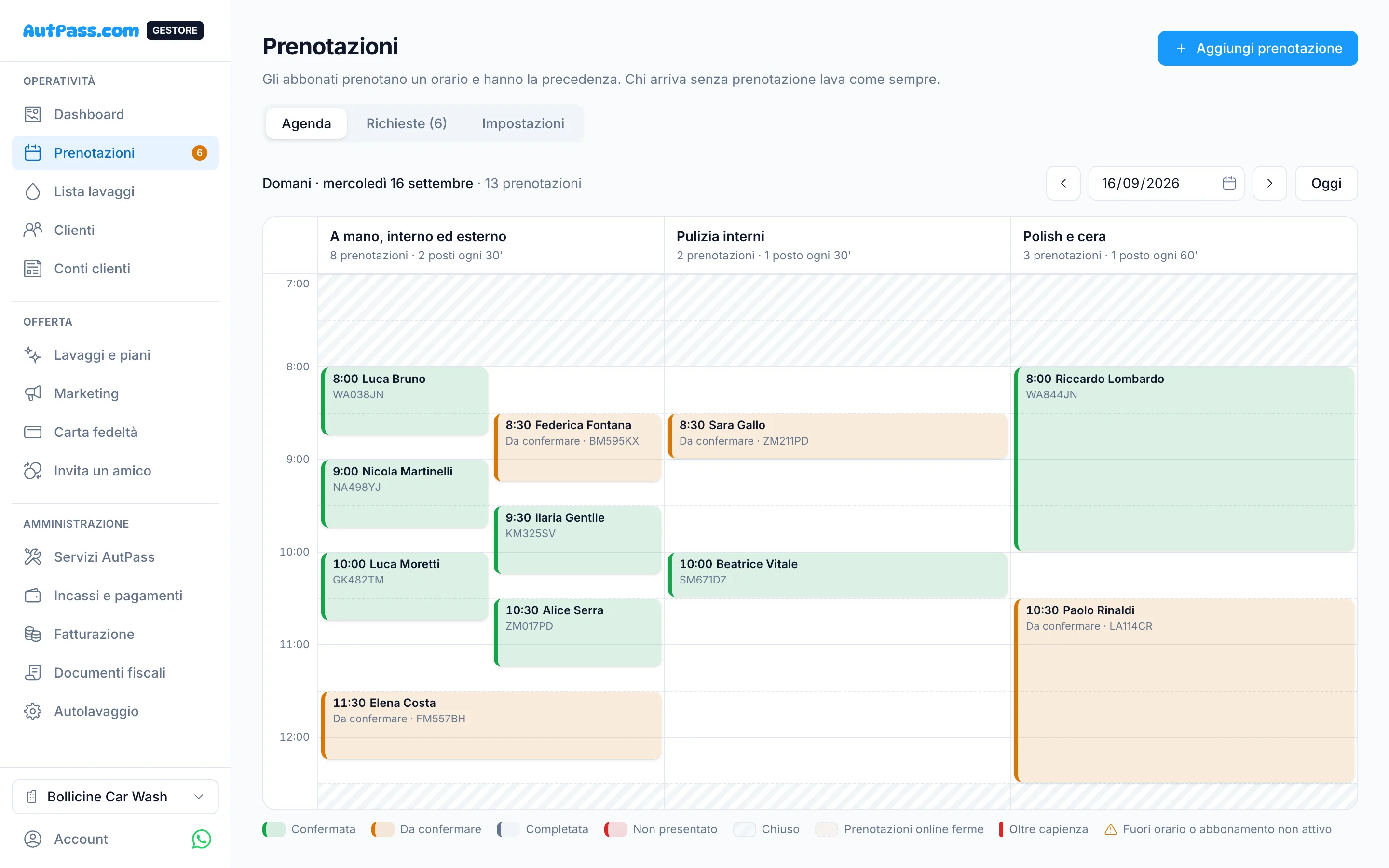
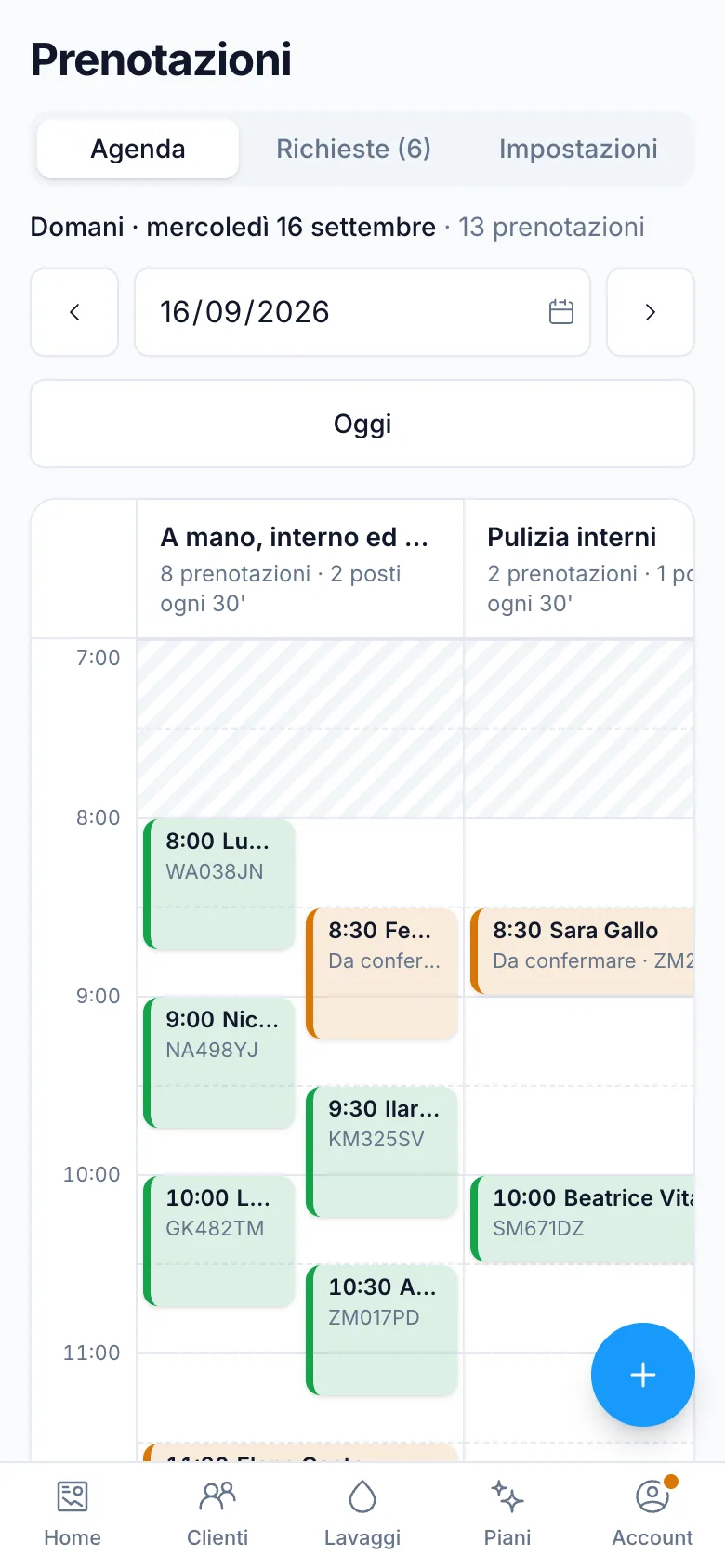
The day's diary, at a glance
One column per wash type, bookings as tall as they last, closed hours dashed. One click on a free slot and you add the booking of whoever called.
You set the rules
How many slots you put online for each time, and how much room is left for those who turn up unannounced.
- Slots every 15, 30 or 60 minutes, within opening hours
- Automatic confirmation, or requests to accept
- How far ahead people can book and up to when they can cancel
- Bookings paused for a morning, without closing the car wash
Requests arrive at once
A new request appears in the diary without reloading the page, with the count on the menu. And it reaches you by email and on your phone, if you want.
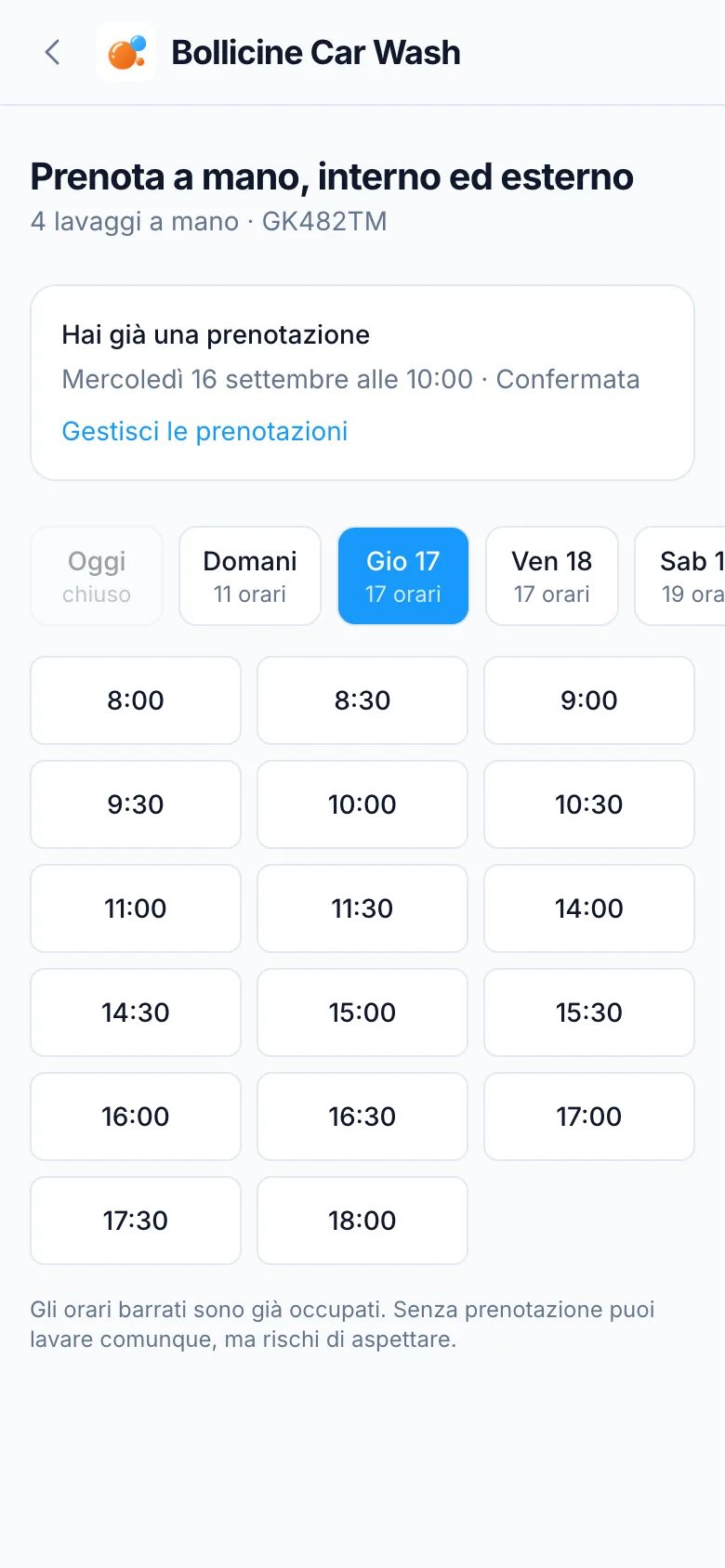
For the customer, two taps
They pick the day and a free slot, get the confirmation and a reminder before arriving. If something comes up, they cancel from the app within the limit you set.
Ready in three steps
- 1
Turn bookings on
On the wash types that call for them, usually hand washes.
- 2
Set slots and rules
Interval, slots per time, confirmation and cancellation limits.
- 3
Watch the diary
Confirm, move or mark no-shows: the wash with the code closes the booking.
Frequently asked questions
Can people wash without booking?
Yes. A booking gives priority, it is not a permit: whoever turns up without one washes in the space you do not put online.
What happens if I close for holidays?
On those days nobody can book. If there were bookings already, AutPass shows them to you and you choose whether to cancel them and tell the customers.
Can I add a booking myself?
Yes, from the diary: you search for the subscriber as you type and pick the time. The customer gets the confirmation.
Does it cost anything?
No, bookings are part of the free base.